Studently
A study planner that turns your deadlines into a daily plan, with a focus timer and cloud sync.
Overview
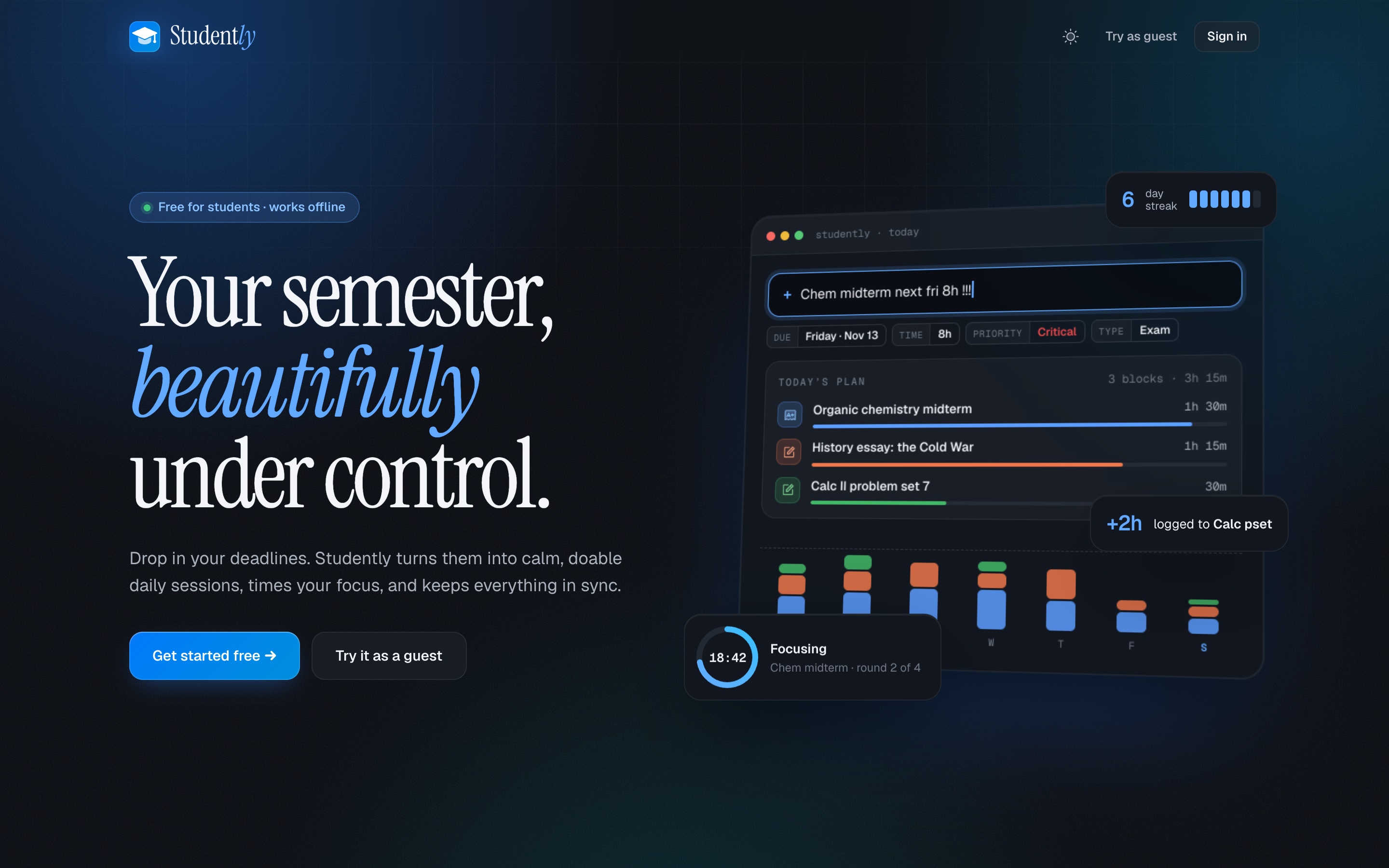
Studently is a study planner for students. You add what’s due and about how many hours it will take, and it splits the work into daily study blocks that fit a study budget you set, with the most urgent work first. A focus timer logs each session back to its deadline, so the plan updates as you go. You can sign in with email or Google to sync through Firebase, or use it as a guest.
How it works
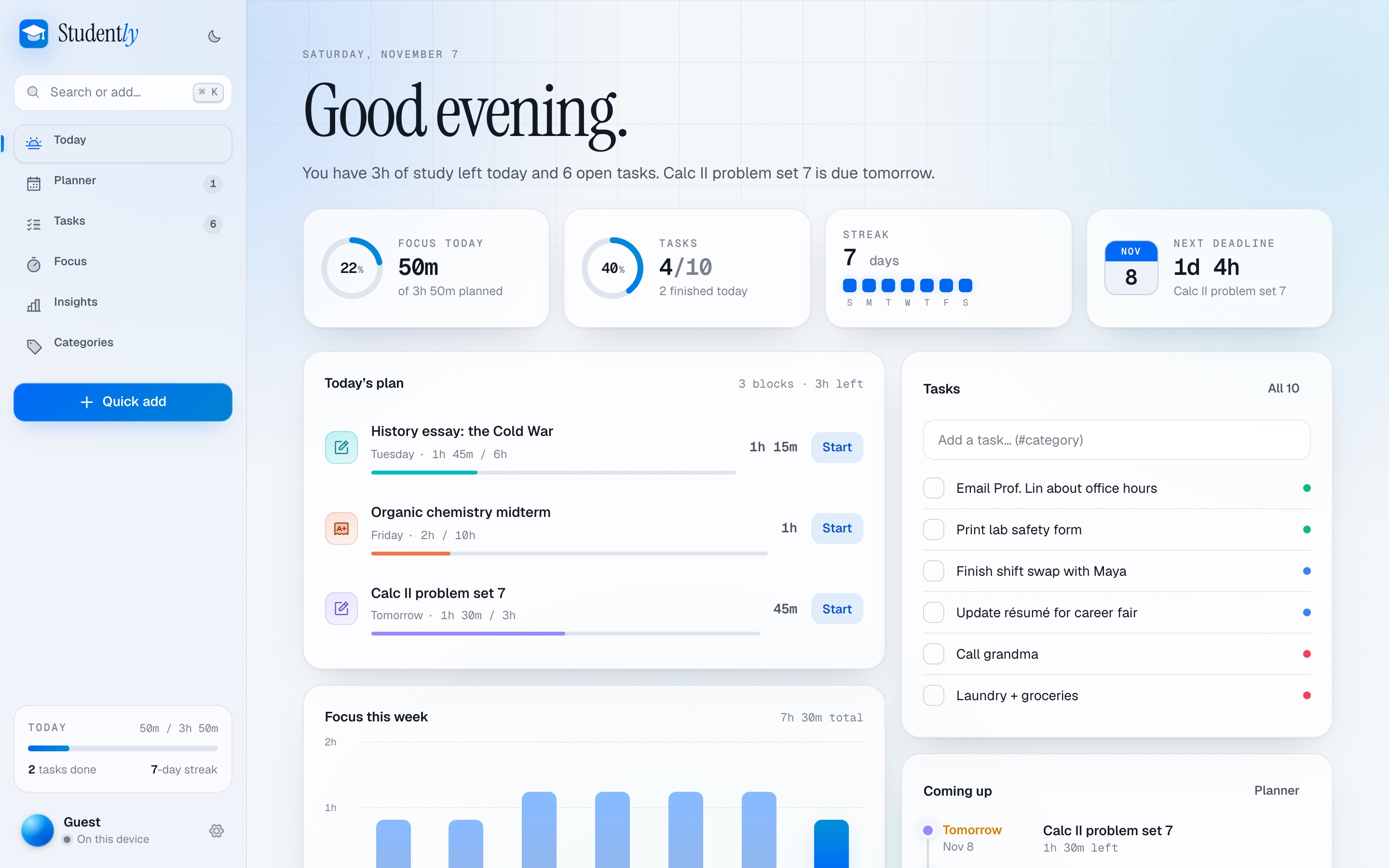
The Today view is where you start. It shows how much you’ve focused against what you planned, your open tasks, your streak, and the next deadline, with today’s study blocks underneath. Each block has a Start button that opens the focus timer for that deadline.
The planner works in 15-minute blocks. It spreads each deadline’s remaining hours over the days left, most urgent first, without going over your daily budget. Work that doesn’t fit moves into free time on earlier days, and if a deadline still won’t fit, Studently warns you and offers a fix. Focus time you’ve already put in today comes out of today’s budget.
You can add a deadline in plain English. Typing Chem midterm next fri 8h !!! creates an exam due next Friday that needs 8 hours, at critical priority. Bigger projects can start from one of 14 templates, like a research paper, a lab report, AP or SAT prep, or college applications. You set the final due date and how heavy the workload is, and every step gets its own date in the plan.
The focus timer has six presets, from a standard Pomodoro to a 52/17 split, and keeps running if you switch views or reload the page. A library of 16 study techniques, such as active recall and spaced repetition, explains how to use each one and pairs it with a timer preset. The Insights view tracks your on-time rate, how close your time estimates were, and the hour you focus best, along with a 26-week activity heatmap. Each of the 30 achievements shows how close you are to earning it.
How it grew
-
A task list Dec 2024
The first version was a to-do list with color-coded categories, written in plain HTML, CSS, and JavaScript.
-
Rewritten in Svelte Jun 2025
I rewrote the app in Svelte.
-
Accounts and sync Dec 2025 – Jan 2026
Firebase accounts let your tasks follow you between devices. I also added a first tool for planning around deadlines.
-
A full study planner Nov 2026
I redesigned the app around the planner, the focus timer, and a command palette, then added templates, Insights, and achievements.